Introduction
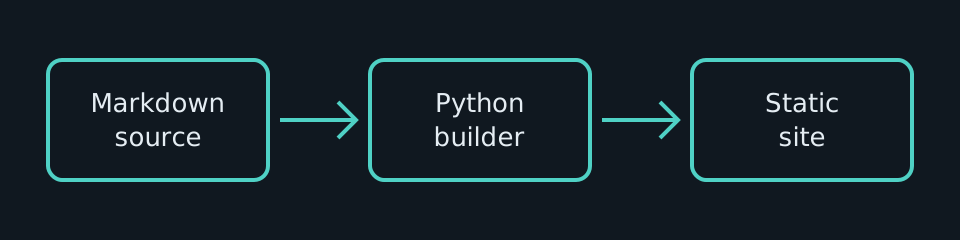
This manual is a small, ordered collection of project documentation. Markdown files are the source of truth, while the generator creates navigation, search, and static HTML.
How the manual is organized#
Directories create sections and files create pages. Their numeric prefixes set the reading order, but those prefixes never appear in public URLs.
- Keep each page focused on one task or concept.
- Prefer short sections with descriptive headings.
- Link to existing pages instead of duplicating instructions.
Continue with the installation guide, then review the basic workflow.
Search the manual#
Search results link directly to matching page headings and show highlighted text previews. Multiple terms may be entered in any order, and prefixes match the start of words. For example, config them finds text containing configuration and theme.
Press / to focus search. Use the arrow keys to select a result, Enter to open it, and Escape to close the results. Search works the same way in hosted sites and extracted offline ZIPs.
Portable output#
The same source can be built for a root domain or a forge project path. The result is ordinary HTML, CSS, JavaScript, JSON, and images.
+-------------------+      +-------------------+      +-------------------+
|                   |      |                   |      |                   |
|  Markdown source  | ---> |  Python builder   | ---> |    Static site    |
|                   |      |                   |      |                   |
+-------------------+      +-------------------+      +-------------------+